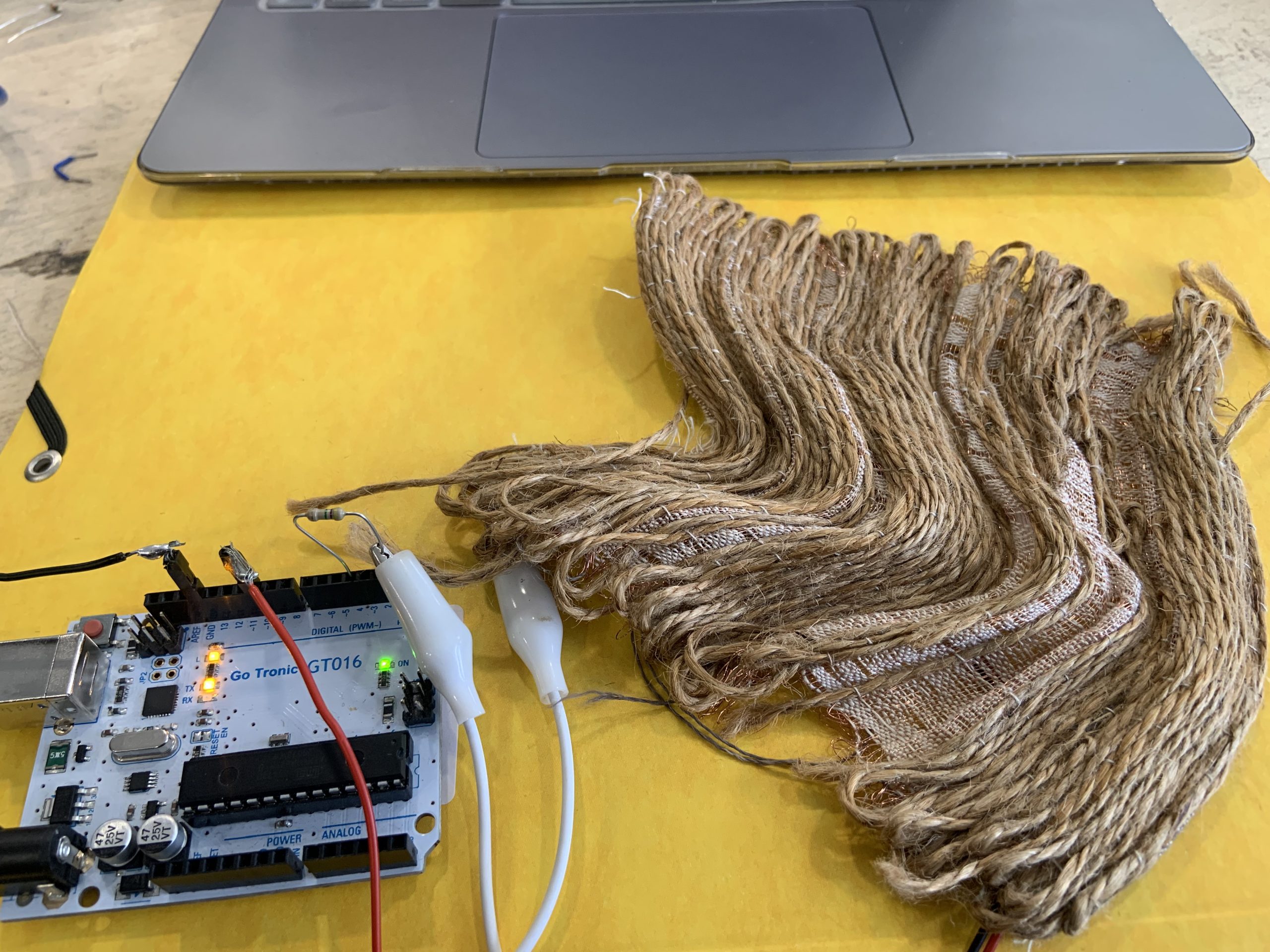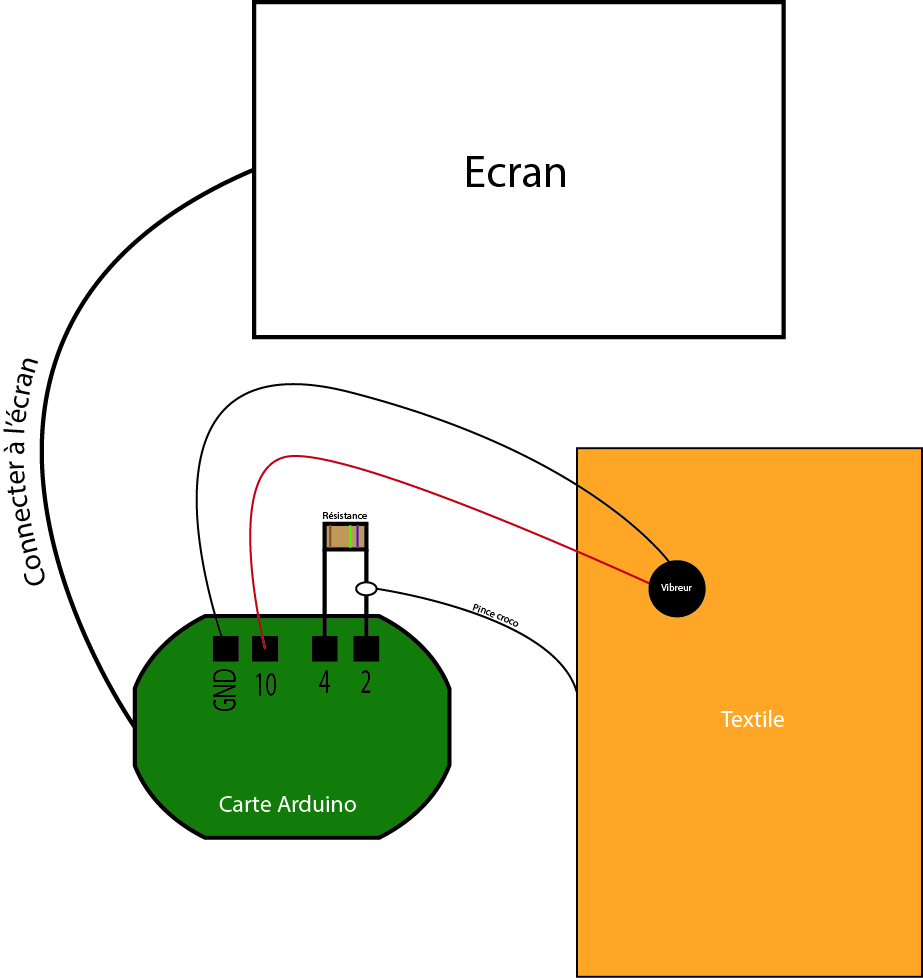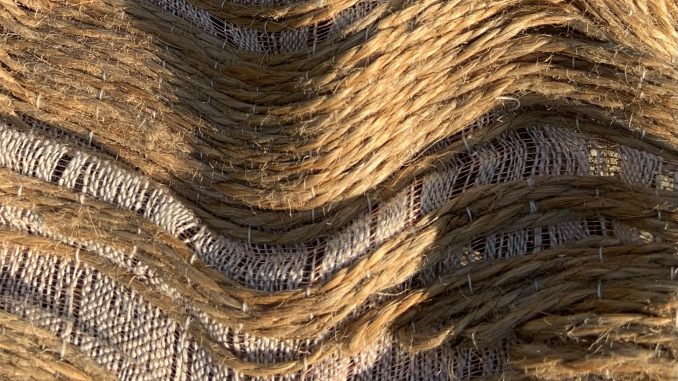
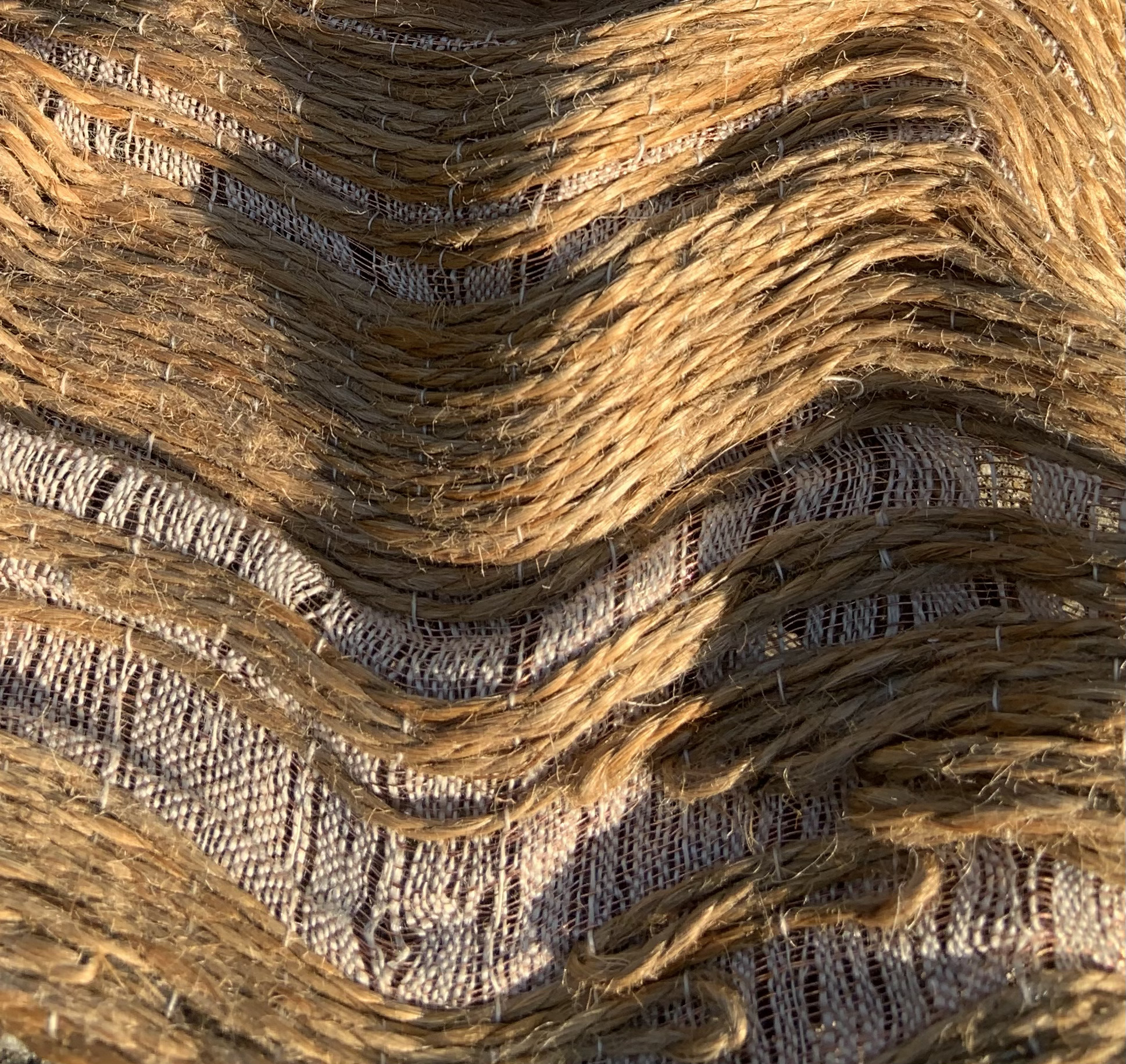
Ce projet a pour objectif d’amplifier la sensorialité du textile à l’aide du numérique avec les logiciels : Processing et Arduino.
Dans un premier temps, Il fallait agir sur le toucher donc en utilisant des vibreurs.
Ensuite, le dessin moiré avec le potentiomètre ont été travailler à part.
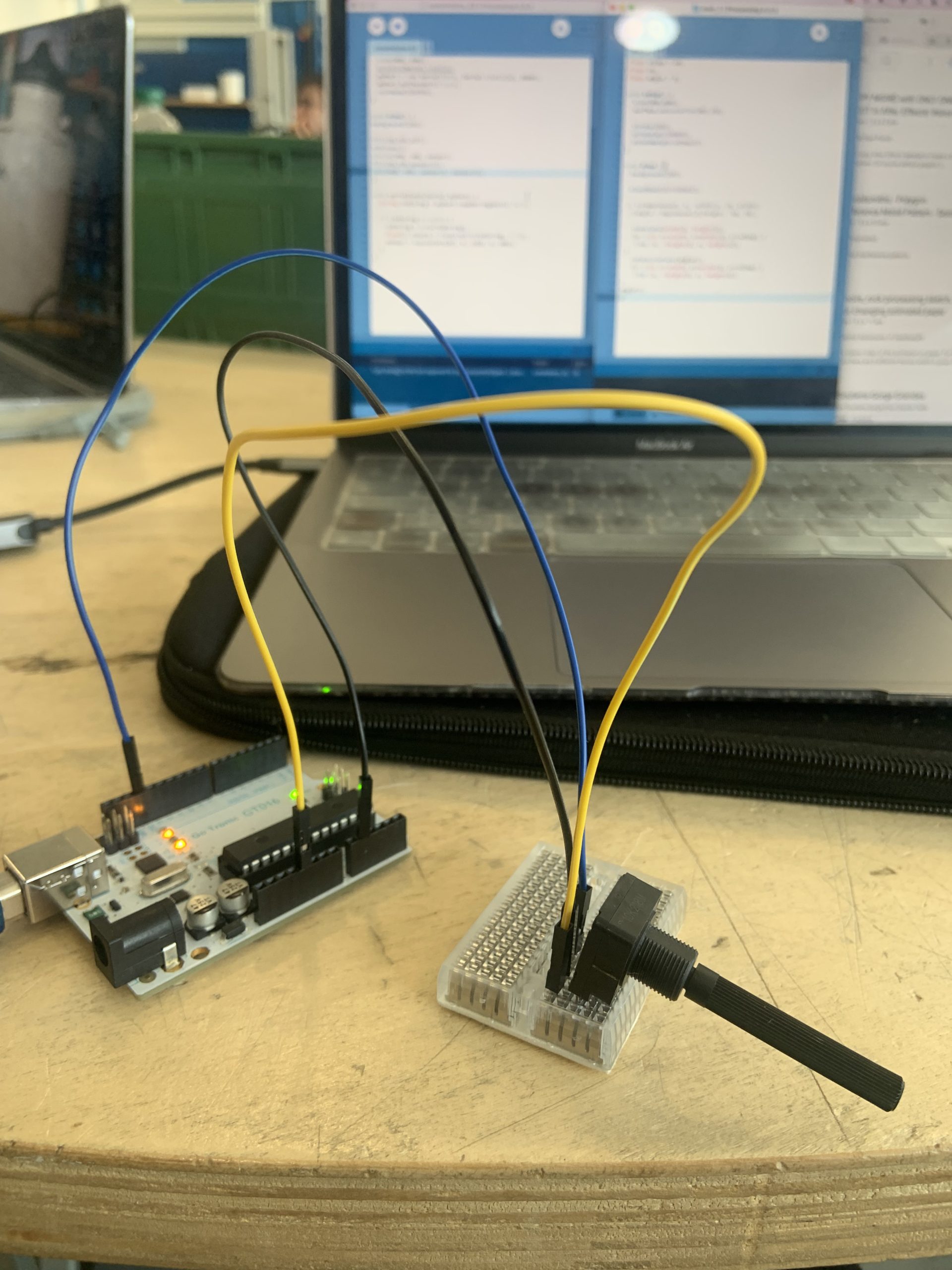
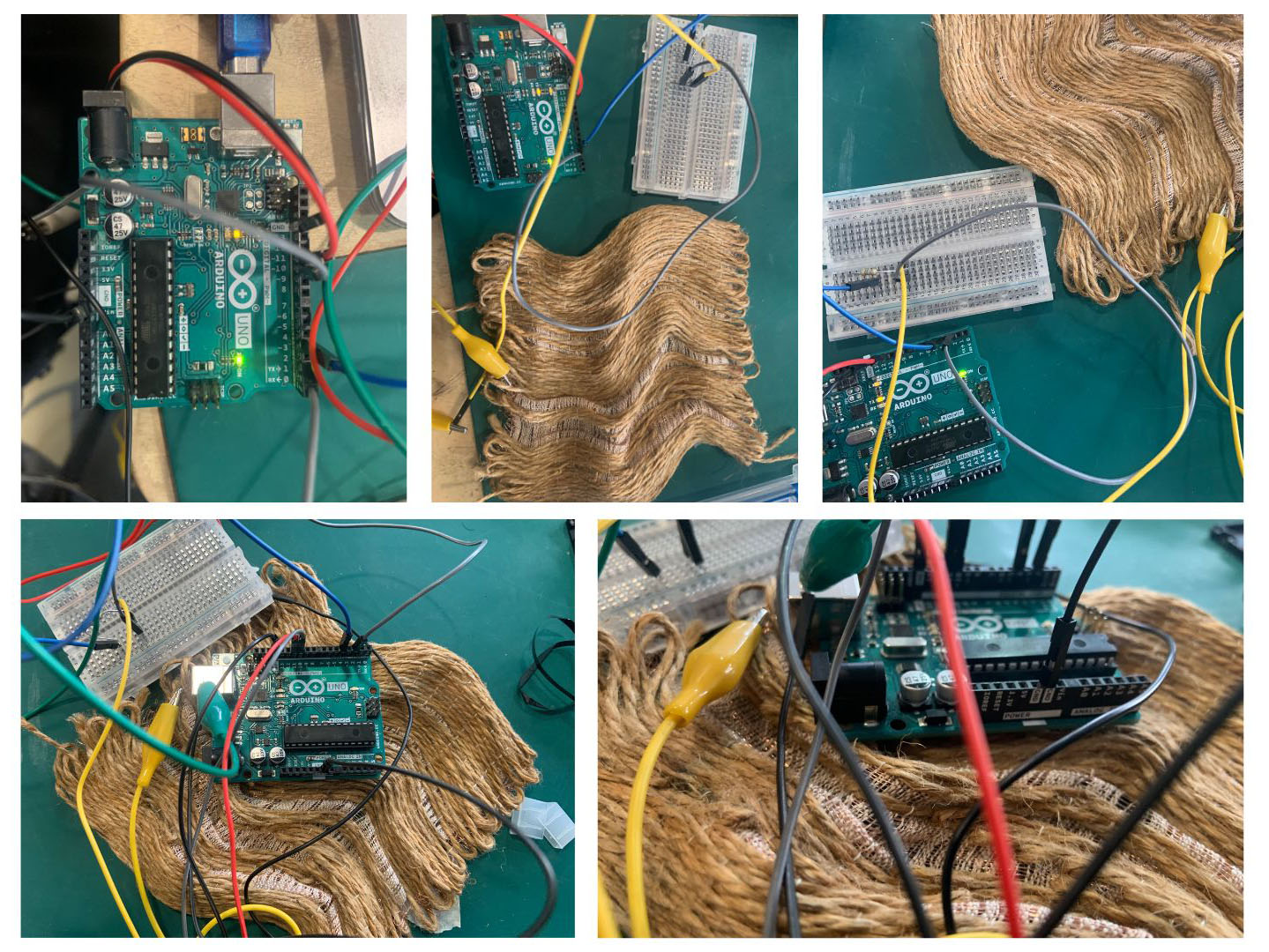
Les premiers tests ont été fait avec un potentiomètre, avant de le remplacer par le textile, qui va donc devenir l’antenne.
Pour finir, il fallait tout rassembler.
Codes :
Sur Arduino :
#include <CapacitiveSensor.h>
CapacitiveSensor cs_4_2 = CapacitiveSensor(4, 2);  // 10M resistor between pins 4 & 2, pin 2 is sensor pin, add a wire and or foil if desired

int vibreur = 10;
int vibreurValue;

void setup() {
  cs_4_2.set_CS_AutocaL_Millis(0xFFFFFFFF);  // turn off autocalibrate on channel 1 - just as an example
  pinMode(vibreur, OUTPUT);
  Serial.begin(9600);
}

void loop() {
  long start = millis();
  long total1 = cs_4_2.capacitiveSensor(30);

  total1 = constrain(total1, 200, 3000);
  vibreurValue = map(total1, 200, 3000, 0, 255);

  analogWrite(vibreur, vibreurValue);

  Serial.println(total1);  // print sensor output 1
}
Sur Processing :
1.
//librairie
import processing.serial.*;
//Connect arduino
Serial myPort;
//variable pour le capteur
float sensor = 0;

int diaMin = 1;
int diaMax = 2000;
int diaStep = 10;

float xx, yy, angle;

void setup() {
  size(900, 900);
  surface.setLocation(987,70);

  noFill();
  stroke(0);
  strokeWeight(diaStep/6);

  //definir le port
  println(Serial.list());
  myPort = new Serial(this, Serial.list()[2], 9600);
  myPort.bufferUntil('\n');
}

void draw() {
  background(255);

  xx = sin(radians(angle))*200;
  yy = cos(radians(angle))*200;

  translate(width/2, height/2);
  for(int dia=diaMin; dia<diaMax; dia+=diaStep){
    ellipse(0, 0, dia, dia);
    ellipse(xx, 0, dia, dia);
    //ellipse(width/2-mouseX, 0, dia, dia);
  }
  angle = sensor;
  println(angle);
}

//fonction pour lire ton capteur
void serialEvent(Serial myPort) {
  String inString = myPort.readStringUntil('\n');
  if (inString != null) {
    inString = trim(inString);
    float[] colors = float(split(inString, ","));
    sensor = map(colors[0], 200, 3000, 0, 700);
  }
}
2.
import processing.serial.*;

float sensor = 0;
float xStep  = 15;
float angle  = sensor;

// paramètres du bruit de Perlin
float amplitude   = 10;
float noiseScaleX = 0.01;
float noiseScaleY = 0.01;
float phase       = 100;

Serial myPort;

void setup() {
  size(900, 900);
  surface.setLocation(987, 70);

  noiseDetail(4, 0.5);

  println(Serial.list());
  myPort = new Serial(this, Serial.list()[2], 9600);
  myPort.bufferUntil('\n');

  strokeWeight(8);
  stroke(255, 159, 3);
  noFill();
}

void draw() {
  background(0);
  translate(width / 2, height / 2);

  // ─── PREMIÈRE COUCHE ───
  stroke(255);
  strokeWeight(8);
  for (float x = -width * 1.5; x <= width * 1.5; x += xStep) {
    beginShape();
    for (float y = -height * 1.5; y <= height * 1.5; y += xStep) {
      float n  = noise(x * noiseScaleX, y * noiseScaleY);
      float cx = x + (n - 0.5) * amplitude;
      vertex(cx, y);
    }
    endShape();
  }

  // ─── SECONDE COUCHE ───
  pushMatrix();
    rotate(radians(sensor));
    stroke(255);
    strokeWeight(11);
    for (float x = -width * 1.5; x <= width * 1.5; x += xStep) {
      beginShape();
      for (float y = -height * 1.5; y <= height * 1.5; y += xStep) {
        float n  = noise((x + phase) * noiseScaleX, (y + phase) * noiseScaleY);
        float cx = x + (n - 0.5) * amplitude;
        vertex(cx, y);
      }
      endShape();
    }
  popMatrix();
  angle = sensor;
  println(angle);
}

// ─── LECTURE DU CAPTEUR ───
void serialEvent(Serial myPort) {
  String inString = myPort.readStringUntil('\n');
  if (inString != null) {
    inString = trim(inString);
    float[] colors = float(split(inString, ","));
    sensor = map(colors[0], 200, 3000, 0, 700);
  }
}
Une fois tout assemblé :